Table of Contents
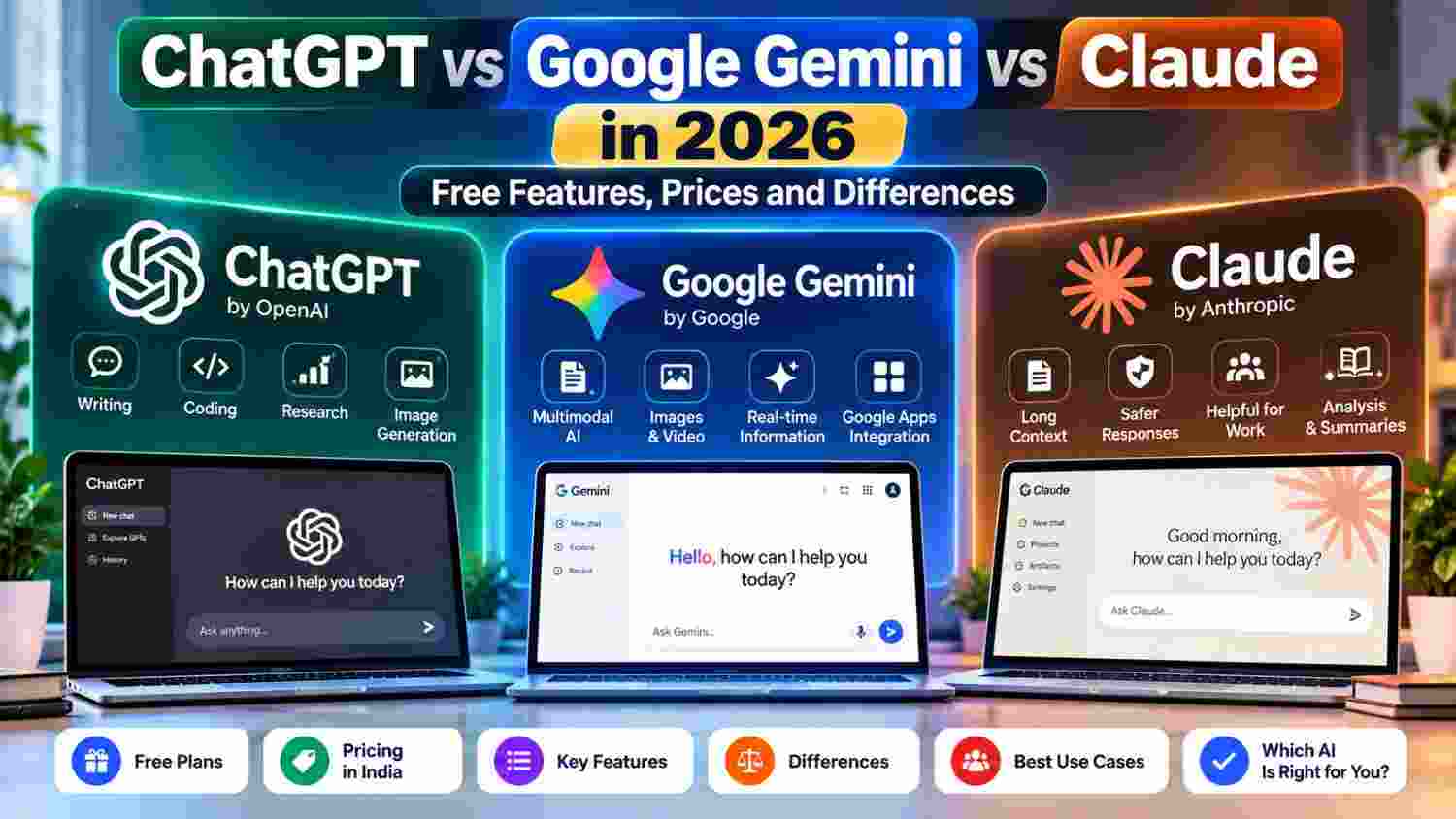
Choosing an AI assistant in 2026 is not just about finding the chatbot with the most features. ChatGPT, Google Gemini, and Claude can all help with writing, research, learning, planning, and coding, but they differ in their tools, free access, paid plans, and integration with other services.
This comparison focuses on what everyday users need to know, including free features and published subscription prices. Prices and usage limits can change, and some features vary by country or account, so check each provider’s official plan page before paying.
Last checked: September 28, 2026. Prices are shown in the currency published by the provider; US-dollar prices may not equal the final amount charged in India.
Table of Contents
- Quick comparison: ChatGPT vs Gemini vs Claude
- ChatGPT: free features and paid plans
- Google Gemini: free features and paid plans
- Claude: free features and paid plans
- Prices compared in 2026
- Which AI is useful for different tasks?
- Is a paid AI plan worth it?
- Limitations and privacy checks
- Frequently asked questions
1. Quick Comparison: ChatGPT vs Gemini vs Claude
All three services offer free access, but free plans have limits. Paid subscriptions generally increase usage or provide access to additional models and tools. The exact experience can change as providers update their products.
| What to compare | ChatGPT | Google Gemini | Claude |
|---|---|---|---|
| Free access | Yes; usage limits apply | Yes; usage and model access vary | Yes; usage limits apply |
| Writing and editing | Drafting, rewriting, brainstorming | Writing assistance and Google-service integration | Writing, editing, and long-form work |
| Research | Web search and research tools, with limits by plan | Deep Research access varies by plan | Web search and research features, subject to availability and limits |
| Images and files | Image creation and file/image analysis with limits | Image generation/editing and file-related tools with plan limits | File creation and analysis tools, with feature access depending on plan |
| Productivity ecosystem | Projects, custom GPTs and other tools on eligible plans | Integration with Google apps on eligible plans | Projects, connectors and work tools on eligible plans |
| Published entry paid price | Plus: US$20/month; other plans also available | AI Plus: ₹399/month in India; AI Pro: ₹1,950/month | Pro: US$20/month, or US$200 billed annually |
This is a high-level overview, not a benchmark result. Output quality depends on the task, prompt, selected model, available tools, and usage limits.
2. ChatGPT: Free Features and Paid Plans
ChatGPT can help with drafting, rewriting, brainstorming, explaining difficult topics, coding, analysing uploaded files, searching the web, and creating images. The free plan provides access to a range of these capabilities, but limits apply to tools and usage. Available models and limits can change over time.
What can you do with the free plan?
- Ask questions and get explanations or writing assistance.
- Use web search for information that needs current sources.
- Upload supported files or images for analysis, subject to limits.
- Use image-generation features within the available allowance.
- Explore available GPTs and other tools.
ChatGPT Plus is listed at US$20 per month on OpenAI’s help page and offers broader access to models and tools. Other plans, including lower-cost and higher-usage options, may be available depending on location and account. Always check the live pricing page for your region.
Official links: ChatGPT plans and pricing · ChatGPT Free plan details
3. Google Gemini: Free Features and Paid Plans
Gemini is Google’s AI assistant. Its free access includes everyday assistance, image generation and editing, Gemini Live, Canvas, Gems, and varying access to more capable models. Google also offers paid plans that increase usage limits and add features across its AI tools and Google services.
Google AI subscription prices in India
- Free: ₹0 per month with a Google Account.
- Google AI Plus: ₹399 per month on Google’s India subscription page.
- Google AI Pro: ₹1,950 per month on Google’s India subscription page.
- Google AI Ultra: Listed from ₹6,500 per month, with higher-priced usage tiers also shown.
Paid plans can include higher Gemini usage, additional image or video-generation access, Deep Research features, storage, and integration with Google apps. The exact benefits differ by tier and can change. Check the subscription page for current terms, limits, and any introductory offers.
Official links: Google AI plans and pricing in India · About Gemini
4. Claude: Free Features and Paid Plans
Claude, developed by Anthropic, supports writing, editing, coding, data analysis, web search, file creation, and work involving longer documents. Available tools and usage depend on the plan and region. The free plan is useful for trying the service, while paid plans offer more usage and access to additional capabilities.
Claude pricing
- Free: US$0, with limited usage.
- Pro: US$20 for monthly billing, or US$200 billed annually (equivalent to about US$17 per month before taxes).
- Max: Starts at US$100 per month for higher usage; more than one usage tier may be offered.
These are the prices published by Anthropic in US dollars. Local-currency pricing, taxes, plan availability, and app-store pricing may differ. Claude Pro does not automatically include separate API usage through the Claude Console.
Official links: Claude plans and features · Claude plan comparison
5. Prices Compared in 2026
The following table summarises selected entry-level paid options from official pricing pages. It does not compare every tier or every feature, and the currencies are not directly equivalent.
| Service | Free plan | Example paid plan | Published price |
|---|---|---|---|
| ChatGPT | Available, with limits | Plus | US$20/month |
| Google Gemini | ₹0/month | Google AI Plus (India) | ₹399/month |
| Google Gemini | ₹0/month | Google AI Pro (India) | ₹1,950/month |
| Claude | US$0 | Pro | US$20/month or US$200/year |
Before subscribing, check the total price at checkout, billing frequency, tax treatment, usage limits, cancellation terms, and whether the features you want are included in your country. Subscription prices can change after this article is updated.
6. Which AI Is Useful for Different Tasks?
Instead of choosing based on a broad “best AI” claim, start with the task you need to complete. Then test the same prompt in each service and compare accuracy, usefulness, editing time, and any required tools.
For blogging and content writing
Try all three for outlines, title ideas, rewriting, summaries, and editing. Give each the same brief and verify factual claims before publishing. AI-generated content still needs human review, original reporting where appropriate, and a clear purpose for readers.
For research and current information
Use a tool that can search the web and show sources, then open the original sources yourself. Compare whether the citations support the claims rather than relying only on a fluent answer. Search access and research limits can vary by plan.
For coding and technical work
Test a real task from your project, such as explaining an error, writing a small function, or reviewing a code change. Run the suggested code and inspect its assumptions. A confident response is not proof that code is correct or secure.
For Google Workspace users
Gemini’s integration with Google services may be useful if your work already takes place in Gmail, Docs, Drive, or other supported Google products. Confirm which integrations are included in the plan and account type you use.
7. Is a Paid AI Plan Worth It?
A paid plan may be useful if you regularly hit free limits, need specific advanced tools, or use the assistant for work often enough to justify the subscription. It may not be necessary if you only ask occasional questions or draft short pieces of text.
Before paying, try the free versions with your own tasks for several days. Note which limitations actually interrupt your work. Subscribe only if a paid feature solves a real problem, and review the renewal date so the plan does not continue unnoticed.
8. Limitations and Privacy Checks
- Verify important claims: AI tools can produce incorrect or outdated information.
- Check the sources: Open cited pages and confirm they support the answer.
- Protect confidential data: Do not upload passwords, private customer records, financial credentials, or sensitive business information unless you have checked the service’s terms and your organisation’s rules.
- Review output before publishing: Check facts, originality, tone, copyright concerns, and any claims about products or people.
- Watch usage limits: “Free” does not necessarily mean unlimited access to every model or tool.
9. Frequently Asked Questions
Which is free: ChatGPT, Gemini, or Claude?
All three offer free access. Their message limits, model access, and included tools differ and can change over time.
How much does Google Gemini cost in India?
Google’s India subscription page lists Google AI Plus at ₹399 per month and Google AI Pro at ₹1,950 per month. Check the official page for current prices, offers, and plan details.
How much does Claude Pro cost?
Anthropic lists Claude Pro at US$20 per month or US$200 for annual billing. Local pricing and taxes may differ.
How much does ChatGPT Plus cost?
OpenAI’s help page lists ChatGPT Plus at US$20 per month. Check the current pricing page for available plans and the price shown for your account or region.
Can I use more than one AI assistant?
Yes. You can use free plans from multiple providers and choose the one that fits each task. Keep in mind that usage limits and privacy terms differ across services.
Final Thoughts
ChatGPT, Google Gemini, and Claude each offer useful capabilities, and their free plans give you a way to test them before spending money. The practical choice depends on the work you do, the tools you need, the limits you encounter, and the price available in your region.
Try the same real task in each assistant, check the results, and confirm current plan details on the official websites linked in this guide. That will give you a more useful comparison than choosing based on hype or a generic ranking.
Related Articles